CONFIGURATION/01 OF 09
Saved screens
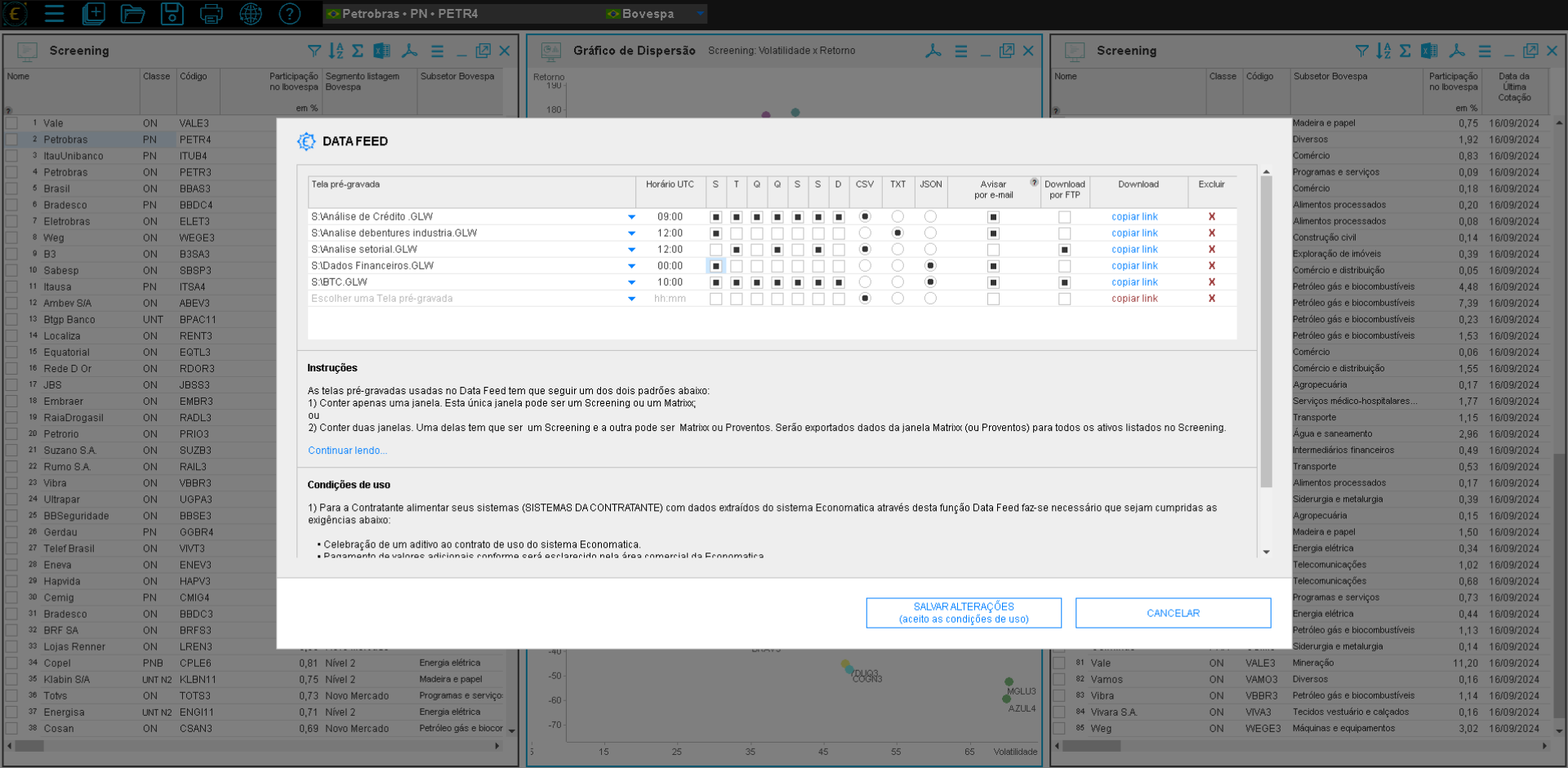
The Data Feed consumes screens already built in the Economatica Platform: Credit Analysis, Debentures, Financial Data, BTC, Sector Analysis. You set up the query once, and the Data Feed repeats it every day.
Platform screensScreening + MatrixDividendsSectors
CONFIGURATION/02 OF 09
Customizable filters
Each delivery can be filtered to bring exactly the slice that matters: asset universe, time window, attributes, sectors, classes. The Data Feed runs the query with the saved filters and returns only what you asked for.
Asset universeTime windowAttributesSegments
CONFIGURATION/03 OF 09
No-code setup
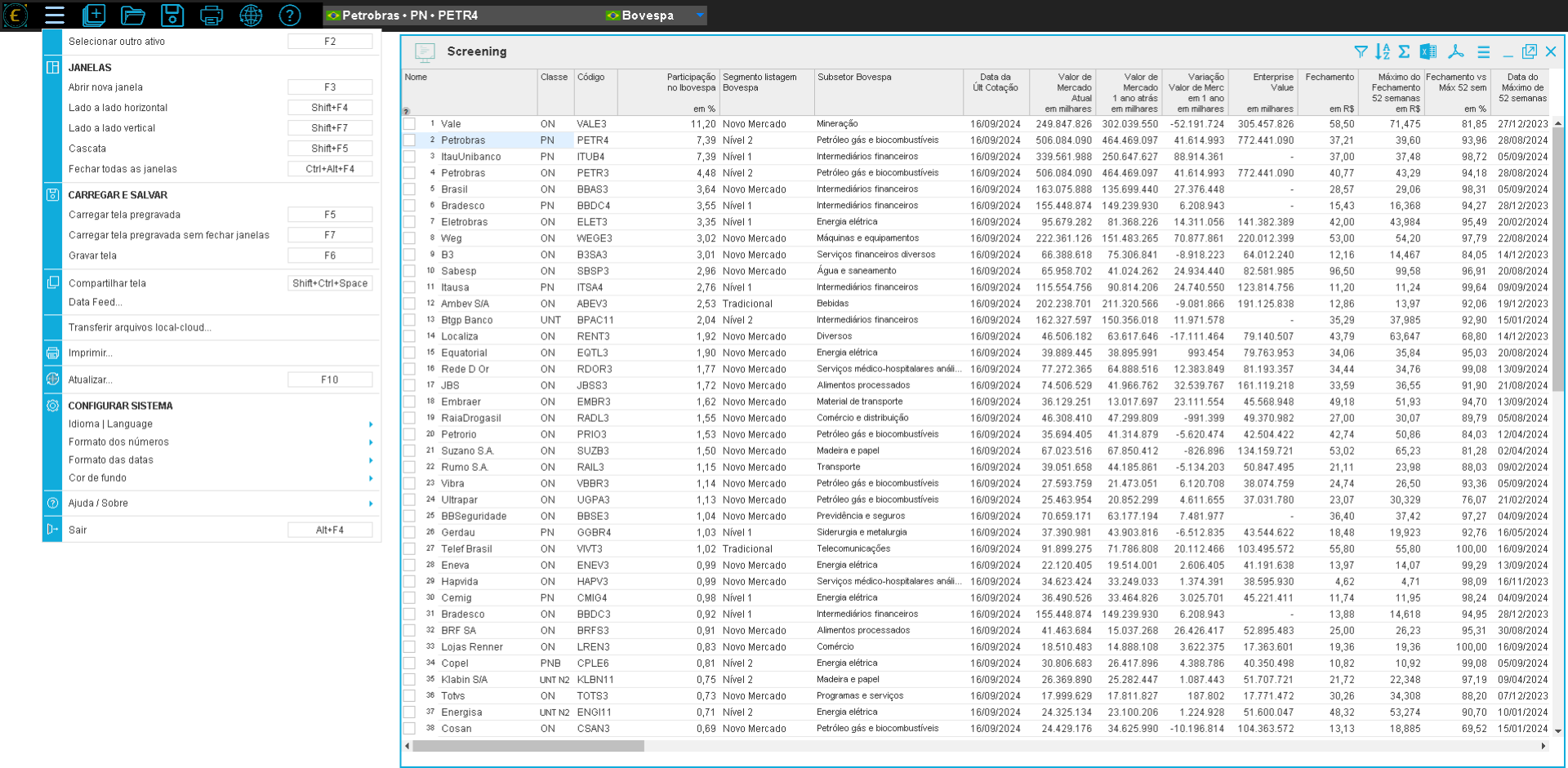
Every part of the configuration happens in a visual interface inside the Platform. If you can use the Economatica Platform, you can configure the Data Feed, no IT team required, no line of code.
No codeVisual interfaceSelf-service
Guided, no-code configuration
Assisted configuration flow. Request a demo to see it in practice.
SCHEDULING/04 OF 09
Schedule & UTC grid
Set the exact delivery time in UTC. One screen can run at 09:00, another at 19:00, another after market close. Each query gets its own window, respecting each team's flow.
UTC timeMulti-slotPost-close
SCHEDULING/05 OF 09
Weekdays
Pick which weekdays each delivery should run: Monday to Friday for market routines, Saturday for weekly consolidation, or any combination. The Data Feed respects schedule configurations and non-trading days, according to source and calendar.
M T W T FWeeklyBusiness days
DELIVERY/07 OF 09
Open formats
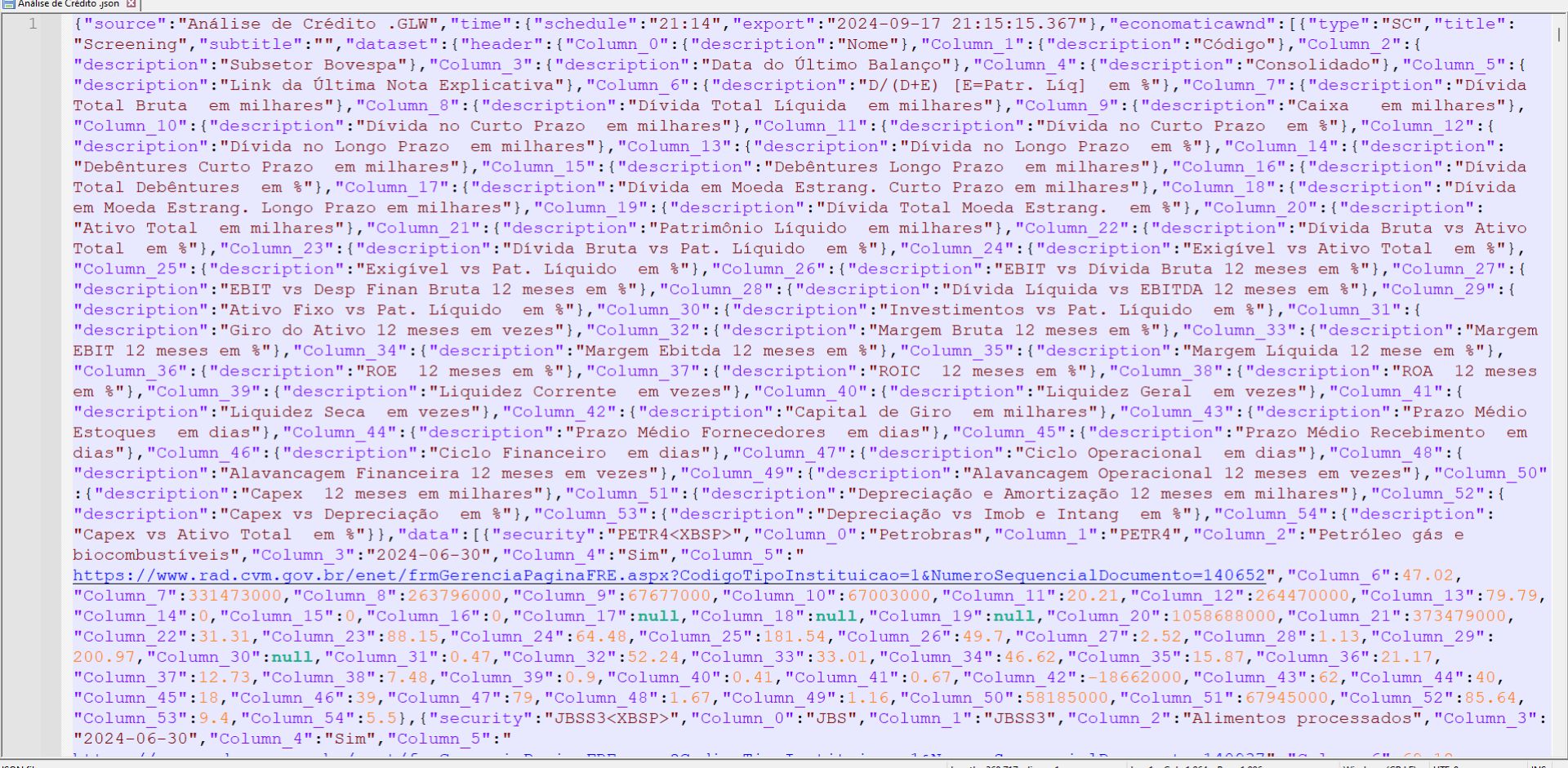
CSV, TXT, and JSON: universal formats accepted by virtually any system, BI tool, or programming language. Plug directly into Power BI, Tableau, Python, R, SQL, spreadsheets, or internal bank systems.
CSVTXTJSONStandard encoding
DELIVERY/08 OF 09
Email
Delivery where your team already works. The file can be received via email or link, according to the delivery configuration.
Auto attachmentDirect link
DELIVERY/09 OF 09
Download history
Every delivery is available via direct link. Each delivery reflects the database available at the time the file was generated, incorporating every adjustment and new piece of information from the latest update.
Direct linkAlways up to date